Hybrid desktop
Connected when needed, available when the network is not.
Coming soonSekolikoo / School ecosystem
Products that simplify school management and make time for what matters.
Explore our productsSekolikoo · Product ecosystem
Each Sekolikoo product has its own role, features and tutorials. Start with our first available solution.
Available now
01 / 04 Product available
Students, teachers, grades, fees, payroll and timetables brought together in one local application designed for daily school operations.
On the horizon
Connected when needed, available when the network is not.
Coming soonFocused experiences for school communities on the move.
Coming soonA cloud direction for organizations that need it.
Coming soonExplore another way

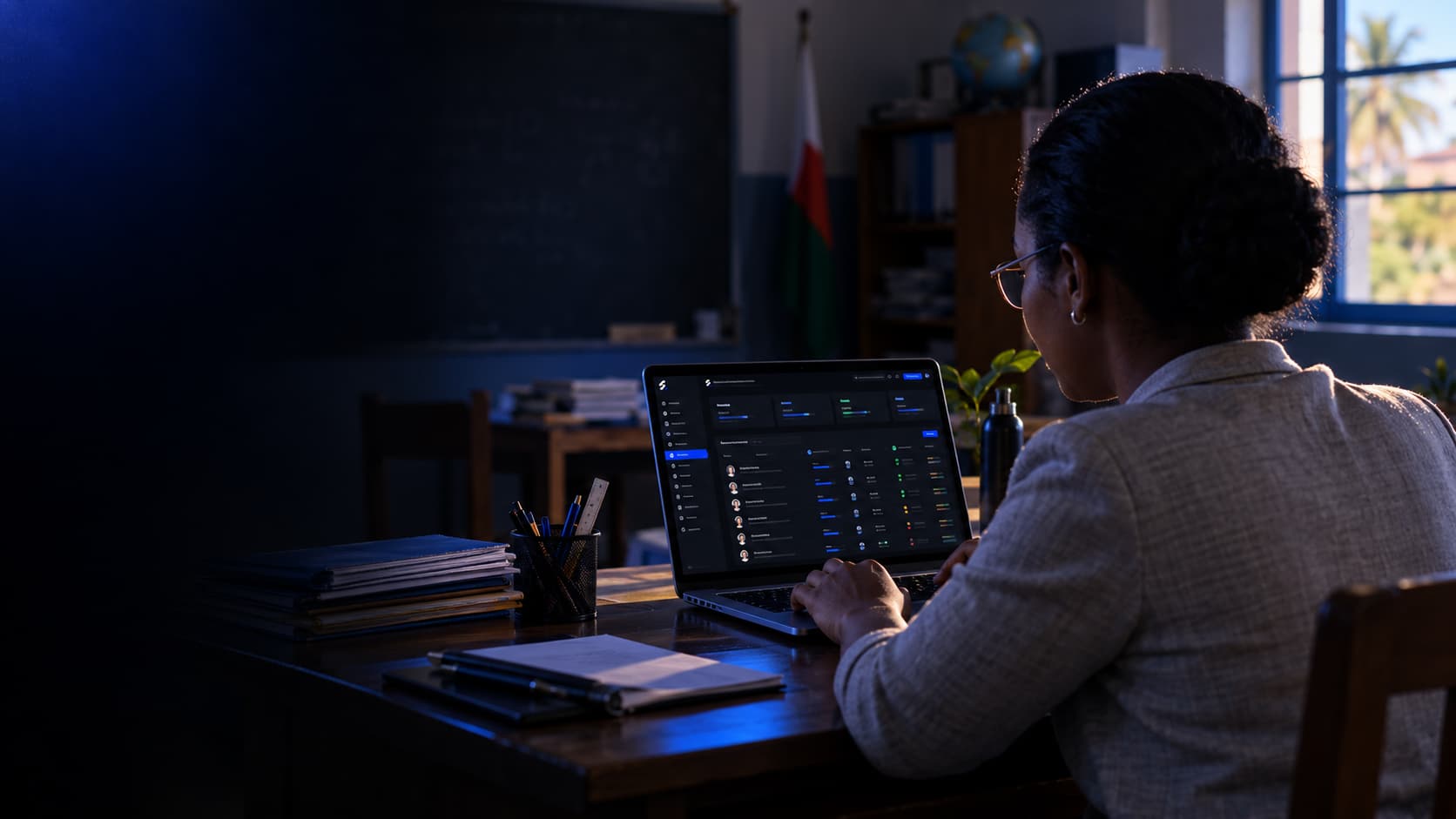


Scattered spreadsheets, handwritten receipts, repeated calculations and timetables built by hand eventually cost time and money. Sekolikoo Desktop brings essential work into one clear, consistent workspace.
Move from administrative disorder to a clear and structured system.

Sekolikoo Desktop brings school records, grades, fees and payroll into one place for controlled workflows tailored to your school.
Your school keeps working.Even when the internet doesn’t.
Organize classes by level, section and academic year. Assign subjects, teachers and rooms, then configure your school’s fees and assessment periods.
Academic and activity classes, levels, sections and capacities.
Rooms, buildings, capacities, equipment and status.
Coefficients, academic periods, fee rates and teacher contracts.
Sekolikoo Desktop modules, fully offline.
Request the Desktop installer and activation instructions for your computer.
Prepare the academic year, classes, subjects and teachers.
Import students from Excel after checking the preview and validation errors.
Work offline with records, grades, fees, payroll and timetables.
Answers to common questions about Sekolikoo Desktop, setup, and how it works.
Sekolikoo is the company producing the school-management ecosystem. Sekolikoo Desktop is its first product, fully offline and presented here.
Yes. Once installed and activated, Sekolikoo Desktop runs locally without an internet connection for daily school administration.
Student import accepts .xls and .xlsx workbooks with preview and validation. It imports student records, not all data from every module.
On the computer running the application. Arrange a separate backup of your data and associated files; this edition does not provide automatic cloud backup.
The featured edition stores a parent contact in the student record. It does not provide a parent portal, mobile access or SaaS synchronization.
Sekolikoo Desktop supports manual planning and assisted auto-fill. It suggests sessions using weekly-hour targets; you review and confirm the proposals. Check the result and room assignments: it is not a guarantee of a complete timetable.
Student lists, class and room lists, and academic report cards as PDF. The student card designer exports PNG images.
Explore Sekolikoo Desktop and discuss your school’s needs with our team.